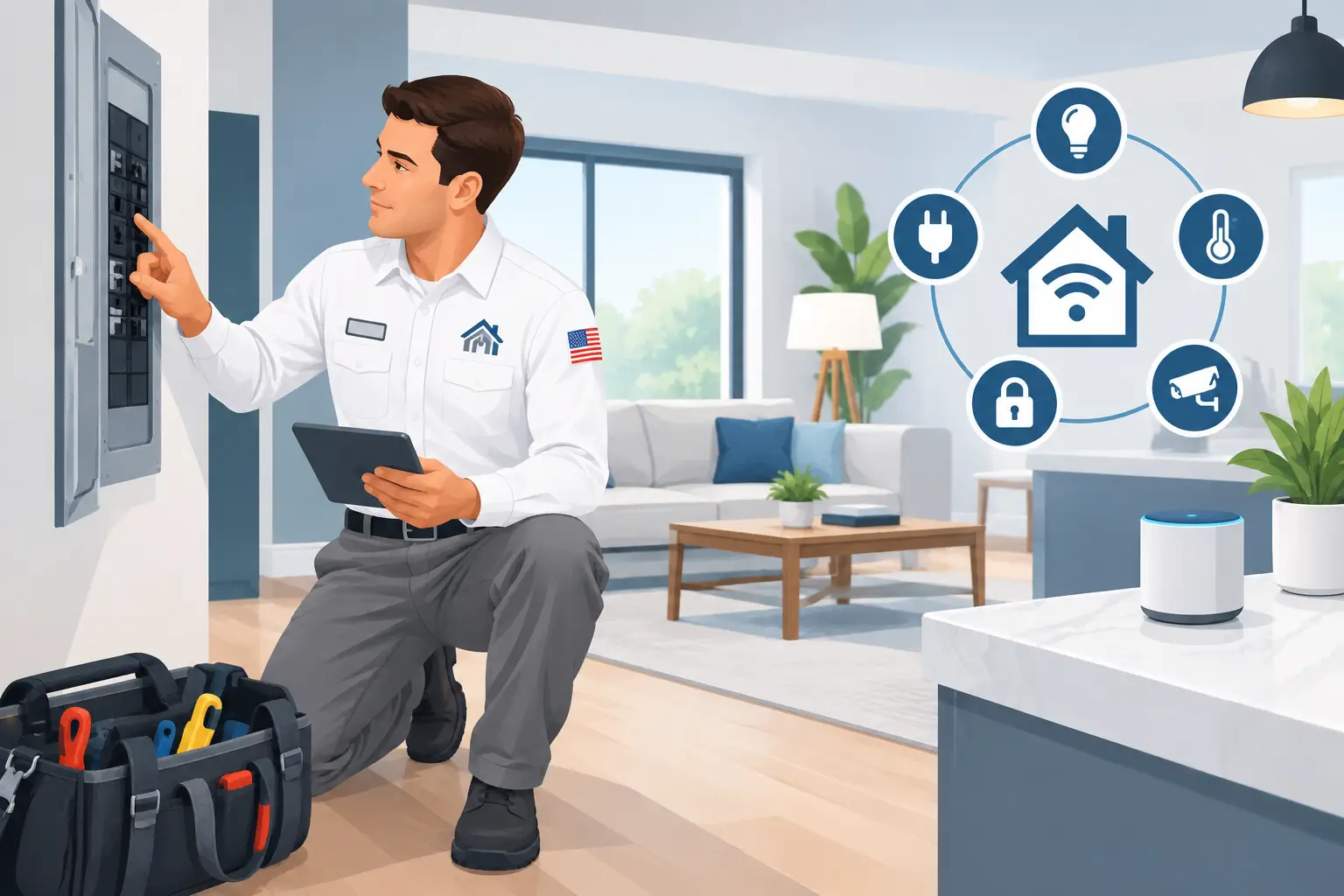
A smart switch that drops offline, a video doorbell that will not hold a charge, or a garage outlet that cannot support a new device often points to the same issue: the home’s electrical system was never planned for the added load or equipment. This smart home electrical guide focuses on the part that makes connected upgrades dependable – safe, properly installed electrical infrastructure.
Smart home devices can add comfort, security, and control to a house. But the app is only the visible part. Behind it are circuits, wiring connections, electrical boxes, grounding, surge protection, and enough capacity at the panel. Getting those fundamentals right protects your home and prevents a convenient upgrade from becoming a recurring electrical problem.
Start With the Electrical Foundation
Before selecting devices, consider what your home can safely support. A connected thermostat may be a simple replacement in one house and need additional wiring in another. A group of exterior cameras, smart lighting, motorized shades, and an EV charger can change how much power a particular area of the home needs.
Age matters here. Older homes may have limited circuit capacity, crowded electrical boxes, missing neutral wires at switch locations, or outlets that are not positioned for modern equipment. Newer homes can have their own limitations, especially where a builder installed just enough outlets and circuits for the original layout.
A licensed electrician can inspect the panel, identify the circuits serving the areas you want to update, and explain whether the project needs a simple installation, a dedicated circuit, or a broader panel upgrade. That clear diagnosis should come before equipment is installed, not after devices begin tripping breakers or losing power.
Panel capacity is not an afterthought
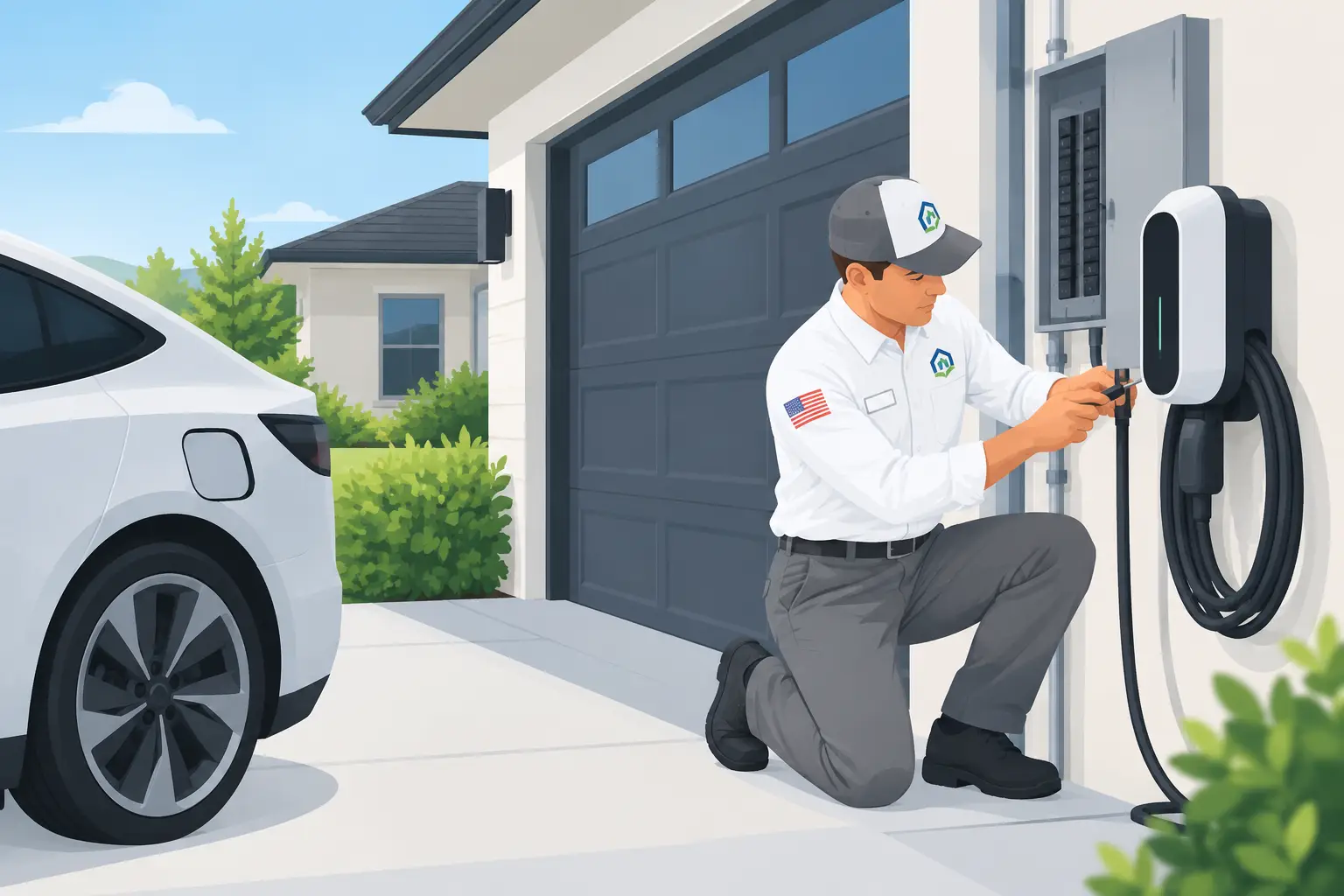
The electrical panel is the traffic center for your home’s power. Smart devices themselves often use little electricity, but smart home plans rarely stop with a single device. Homeowners may add electric vehicle charging, a hot tub, a standby generator connection, outdoor lighting, ceiling fans, or upgraded appliances over time.
If breakers trip when several loads run at once, lights dim when equipment starts, or the panel is already full, ask for an electrical evaluation before adding another major load. A panel upgrade is not necessary for every smart home project. It depends on the existing service size, circuit demand, available breaker space, and the equipment being added. Still, it is far easier to plan capacity early than to redo finished work later.
Plan Power Where You Will Actually Use It
Smart home electrical planning works best room by room. Think beyond the device you are buying and consider where it will receive power, how it will be serviced, and what else shares that circuit.
In living spaces, smart switches, dimmers, lighting controls, powered shades, and entertainment equipment can create a need for updated boxes, appropriate wiring, or additional outlets. A switch that controls a light may not have the wiring required by every smart control. Forcing an incompatible device into an existing box is not a safe workaround.
Kitchens and laundry areas already carry heavier electrical demand. Smart appliances and connected controls should not lead to overloaded countertop circuits or extension cords tucked behind cabinets. If a new appliance needs a dedicated circuit, have one installed correctly.
Outside, the conditions are tougher. Heat, sun, rain, dust, and irrigation can affect exterior equipment and connections. Outdoor smart lighting, cameras, doorbells, gates, and outlets need properly rated components, weatherproof protection, and secure installation. In Southern Utah, outdoor electrical work should be planned for intense sun and temperature swings, not treated like an indoor project moved outside.
Choose Wired Reliability When It Matters Most
Wireless devices are convenient, but they still depend on electricity. Battery-powered equipment requires charging or replacement, and a weak signal can make a good device feel unreliable. When you are planning equipment that supports safety, access, exterior lighting, or daily routines, stable power deserves serious consideration.
A hardwired solution may cost more work upfront, but it can reduce ongoing maintenance and prevent dead batteries at the wrong time. That does not mean every device should be hardwired. A battery-operated sensor can make perfect sense in a location where running new wiring would be disruptive. The right approach depends on the device’s importance, placement, and expected use.
Avoid relying on power strips, outlet adapters, or extension cords as permanent infrastructure. They may look like an easy answer for a growing collection of hubs, chargers, and controllers, but they can create heat, clutter, and a difficult-to-service setup. Adding a properly placed outlet is the safer long-term solution.
Smart Home Electrical Guide: Protect Connected Equipment
Connected devices contain sensitive electronics. A nearby lightning event, utility disturbance, or internal power surge can damage them even when there is no obvious sign of trouble. A device may continue to turn on but behave inconsistently, lose settings, or fail sooner than expected.
Whole-home surge protection helps reduce the risk from surges that enter through the electrical system. Point-of-use protection can add another layer for selected electronics, but it should not replace protection at the panel. An electrician can recommend an approach based on the home’s panel and the equipment you want to protect.
Grounding and bonding are just as important. These systems provide a safe path for fault current and help protective devices operate as intended. They are not visible after the work is complete, which is exactly why they should be handled by a trained professional rather than guessed at during a DIY project.
Do not ignore safety devices
Smart controls do not replace basic electrical safety. Ground-fault protection is especially important in kitchens, bathrooms, garages, laundry spaces, and exterior locations where moisture may be present. Smoke and carbon monoxide alarms also need proper placement, reliable power, and appropriate interconnection where required.
If an outlet feels warm, a switch buzzes, a breaker trips repeatedly, or you notice a burning odor, stop using that circuit and arrange for service. Adding a smart device will not solve an existing fault. It can hide the warning signs while the underlying problem continues.
Build for Change, Not Just Today’s Purchase
A useful smart home plan leaves room for the next project. If walls are open during a remodel, this is a good time to discuss extra outlets, upgraded wiring, ceiling fan boxes, exterior power, and pathways for future equipment. The cost and disruption of planning ahead are often lower than opening finished walls later.
It also helps to keep a simple record of what was installed. Note which breaker serves new equipment, where exterior connections are located, and which devices require a reset after an outage. Clear labeling at the panel makes future troubleshooting safer and faster for everyone in the home.
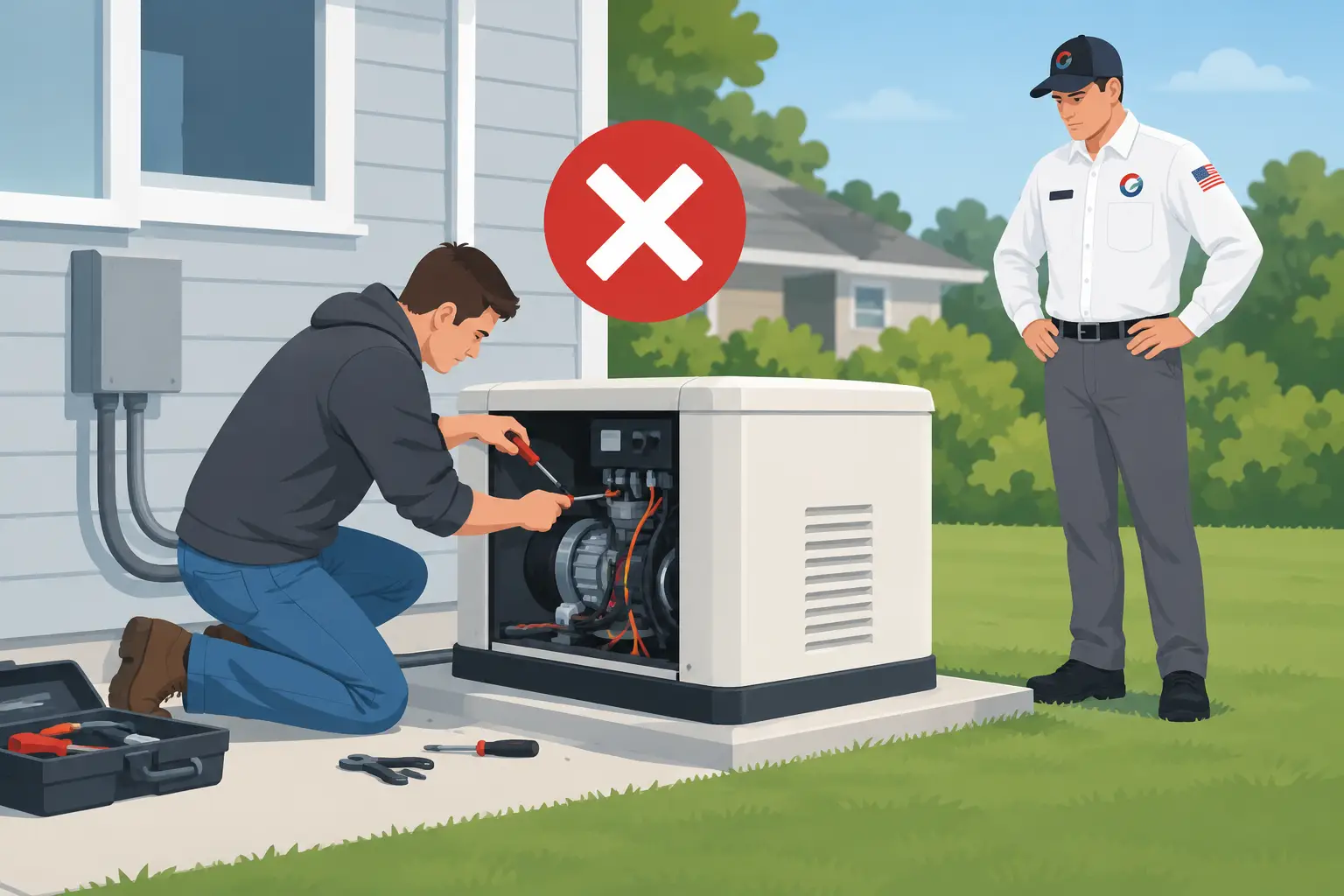
For power outages, decide what needs to stay available. Some homeowners only want critical lighting, refrigeration, or communications supported. Others want a more complete backup-power plan. A standby generator and transfer equipment must be sized and installed for the home’s electrical system. This is not a weekend DIY project, and it should be designed around the loads that matter most to your family.
Know When to Call an Electrician
Device setup and app configuration may be manageable for many homeowners. Electrical modifications are different. Call a professional when a project involves new circuits, panel work, wiring changes, outlet relocation, exterior power, dedicated equipment circuits, recurring breaker trips, or anything that shows signs of heat or damage.
Service Right Electric can diagnose the electrical side of your upgrade, explain the available options before work begins, and complete the installation with safety at the center. That means you can choose smart features for convenience without wondering whether the wiring behind the wall can support them.
The best smart home is not the one with the most connected devices. It is the one that works reliably, protects the people inside it, and has electrical work you do not have to second-guess.



0 Comments